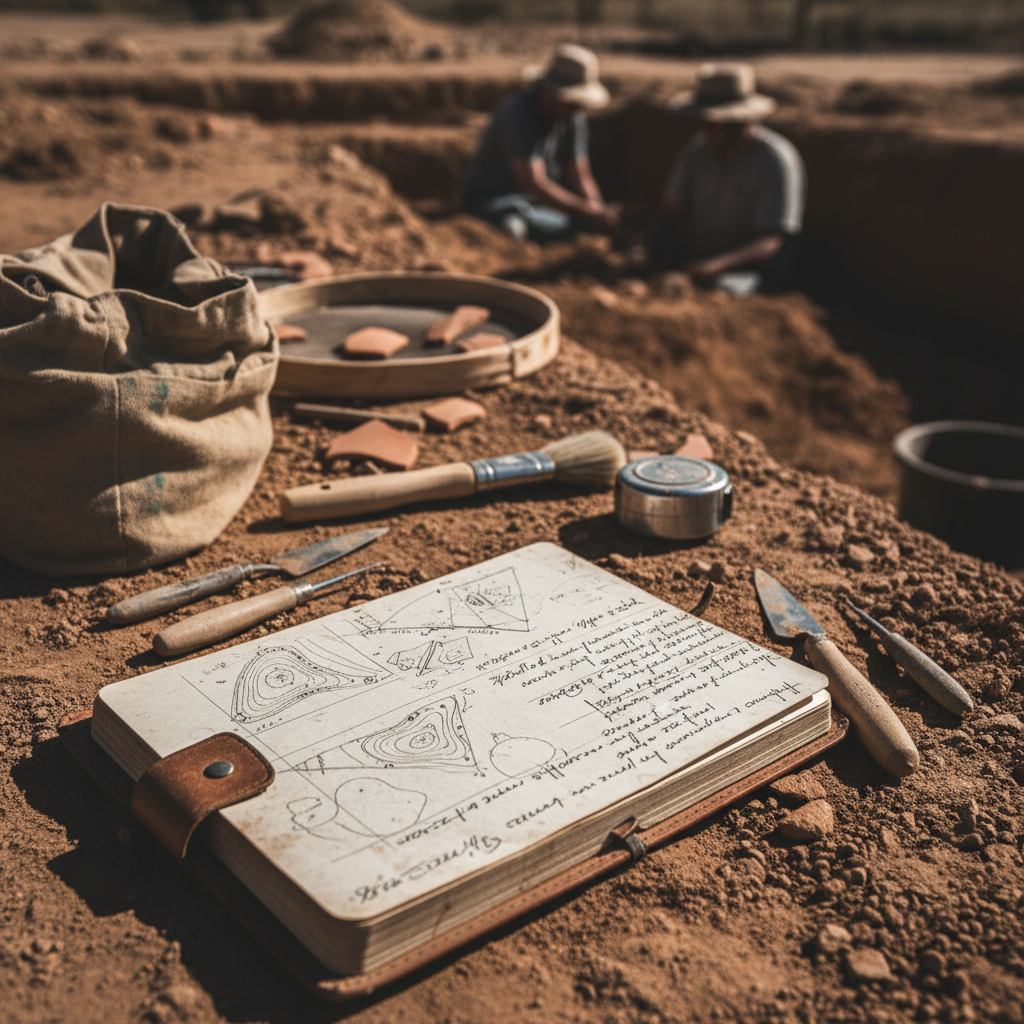
Archaeological field recording is unforgiving. Unlike a lab experiment, you can't re-run an excavation. The data you collect in the field is the only record that will ever exist for that context.
Despite this, the same recording mistakes show up on projects across the country. Most aren't caused by inexperience — they're caused by systems that make errors easy and consistency hard.
Here are the five most common mistakes, and how to fix them.
Mistake 1: Inconsistent GPS Data
GPS errors in archaeological recording usually aren't about accuracy — they're about consistency. Common problems:
- Mixed coordinate systems. One crew member records in UTM, another in decimal degrees. The GIS analyst spends hours converting and cross-referencing.
- No datum documentation. NAD83 vs. WGS84 matters when your site boundary needs to be accurate to a meter.
- Manual coordinate entry. Transcribing coordinates from a handheld GPS to a paper form introduces transposition errors on roughly 3% of records.
The fix: Use a field data system that captures GPS automatically in a standardized format. Every record gets coordinates in the same datum, same format, without manual entry.
Mistake 2: Disconnected Photo Documentation
The photo log is usually the first thing to break down on a project. The failure pattern:
- Day 1: Meticulous photo log with matching numbers
- Day 3: Photo numbers start drifting from the log
- Day 7: Camera numbering resets; crew starts a new log
- Office: Three hours matching 400 photos to log entries, finding 30 that can't be matched
Disconnected photos and records undermine the entire documentation effort. When a SHPO reviewer can't verify your photo documentation, it reflects on the entire project.
The fix: Take photos within the context of the record they document. Digital field data apps that attach photos directly to feature records, level records, or site forms eliminate the matching problem entirely. GPS coordinates and timestamps are embedded automatically.
Mistake 3: Free-Text Fields for Standardized Data
Paper forms encourage free text. Free text encourages inconsistency. On a single project, you might see the same soil color described as:
- "Dark brown"
- "Dk. brown"
- "10YR 3/3"
- "brown (dark)"
This isn't a training problem — it's a form design problem. When a field allows any text, people will enter different text.
The fix: Use dropdown menus, radio buttons, and structured selections for any field that has a finite set of valid values. Soil colors, artifact types, vegetation categories, temporal affiliations — all of these should be selections, not free text.
Mistake 4: Skipping Context Relationships
Archaeological recording isn't just about documenting individual contexts — it's about documenting relationships between contexts. The Harris Matrix exists for a reason.
Common relationship documentation failures:
- Feature forms that don't link to the unit they're in
- Level records that don't reference associated features
- Artifact bags with unit/level data but no feature association
- Site forms that exist in isolation from their constituent features
On paper, maintaining these relationships requires discipline and cross-referencing across multiple forms. It's tedious work that gets shortcut when crews are tired or behind schedule.
The fix: Use a recording system where relationships are built into the data structure. A digital form that links levels to units, features to levels, and artifacts to contexts maintains the relational web automatically. When you open a unit record, you should see all associated levels, features, and artifact counts without flipping through a stack of forms.
Mistake 5: Delayed Data Review
The most expensive recording mistake is discovering errors too late to fix them. The pattern:
- Crew collects data for two weeks
- PI reviews data in the office a month later
- PI finds systematic errors (missed fields, inconsistent terminology, GPS drift)
- Field season is over. No opportunity to correct.
This happens because paper forms don't support real-time quality control. A PI can't review field data until it's been transcribed — which typically happens weeks after collection.
The fix: Digital field data gives PIs real-time access to incoming data. Review records the same day they're collected. Catch errors while the crew is still on site and the context still exists. Set up required fields and validation rules so the most critical mistakes are prevented at the point of collection.
The Common Thread
All five mistakes share a root cause: paper forms put the burden of consistency, accuracy, and organization on individual field crew members working in difficult conditions. Digital recording systems shift that burden to the system itself — validation rules, structured fields, automatic GPS, and integrated photos.
The result isn't just better data. It's less stress for crews, faster reporting for PIs, and more defensible documentation for SHPO reviewers.
FieldTap is built specifically for archaeological field recording, with SHPO-compliant forms, structured data entry, GPS-tagged photos, and real-time data access for PIs. Start a free trial and see the difference on your next project.