FieldTap Blog
Practical guides for field data collection across environmental consulting, archaeology, wildlife biology, and forestry.

Bird Point Count Surveys: Protocols, Timing Windows, and Going Digital
How to run defensible avian point count surveys — station placement, count duration, distance bands, detection codes, and the digital recording workflow that keeps data clean at 5 a.m.

Shovel Test Pit Recording: Methods, Spacing, and a Faster Digital Workflow
A practical guide to shovel test pit (STP) survey recording — interval spacing, what to record at every test, positive/negative documentation standards, and how to cut recording time with digital forms.
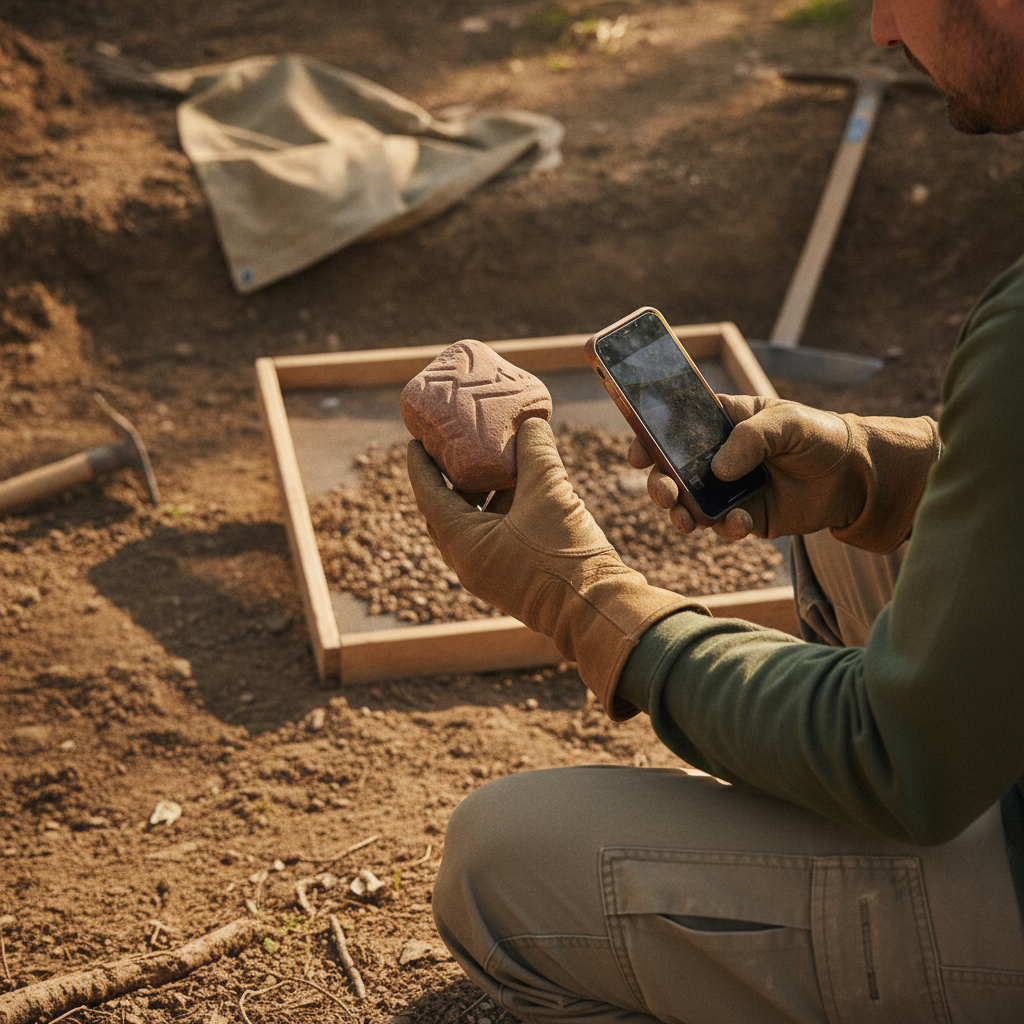
AI FastFill: Your Photos and Voice Notes Now Fill Out the Form
FieldTap's AI FastFill auto-populates form fields from a site photo or a spoken description. Here's how it works, what it gets right, and how field crews are using it to cut recording time in half.
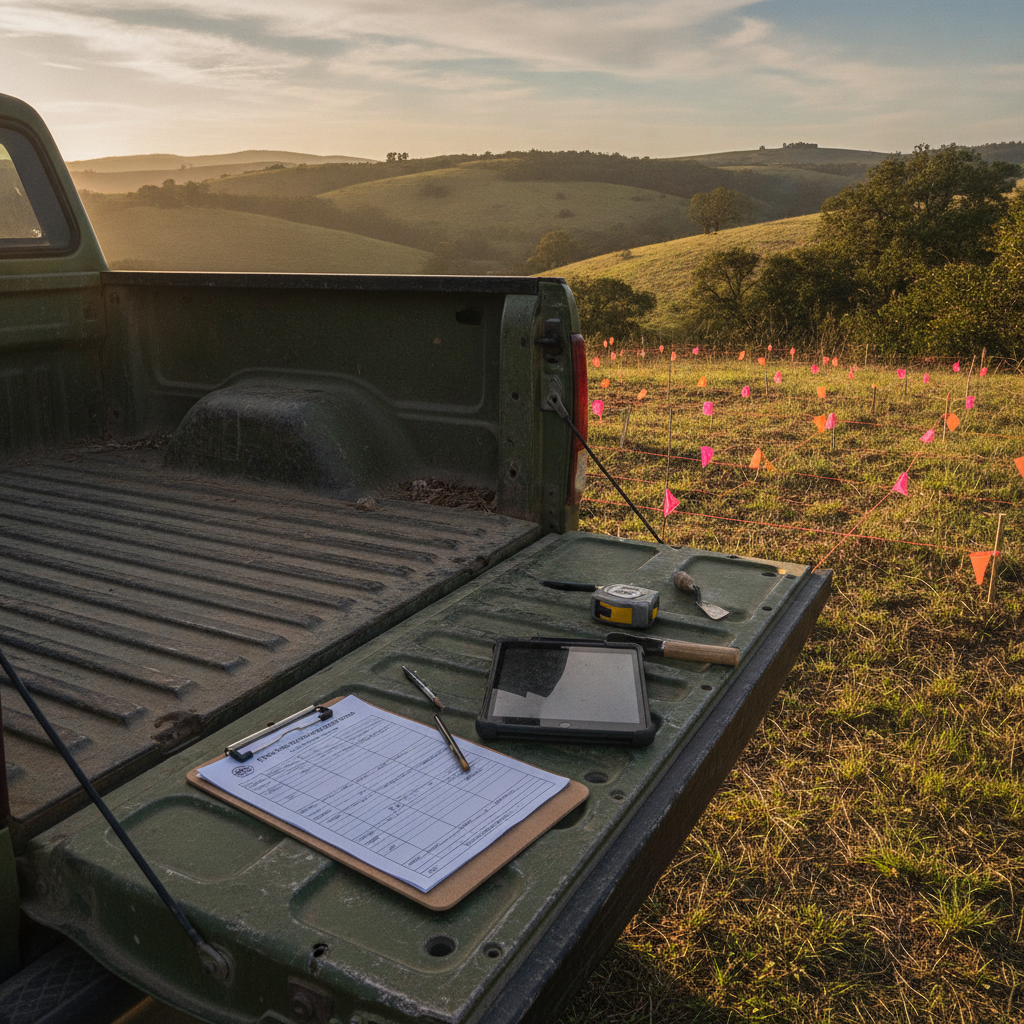
Introducing FieldMap: Export Filed-Ready SHPO & Agency Forms From Your Field Data
FieldMap lets you upload any state or agency form — SHPO site forms, BLM reports, USACE data sheets — map your FieldTap fields once, and export filed-ready paperwork for every record automatically.

FieldTap Connect: How to Share Field Data Between Organizations
A complete walkthrough of FieldTap Connect — the inter-organization data sharing feature that lets partner firms, sub-consultants, and agencies collaborate on field projects without exports or email.

Wildnote Acquired by Fulcrum: What Teams Should Know
Fulcrum has acquired Wildnote. Here's what environmental, archaeology, and wildlife teams need to know — and what options you have going forward.
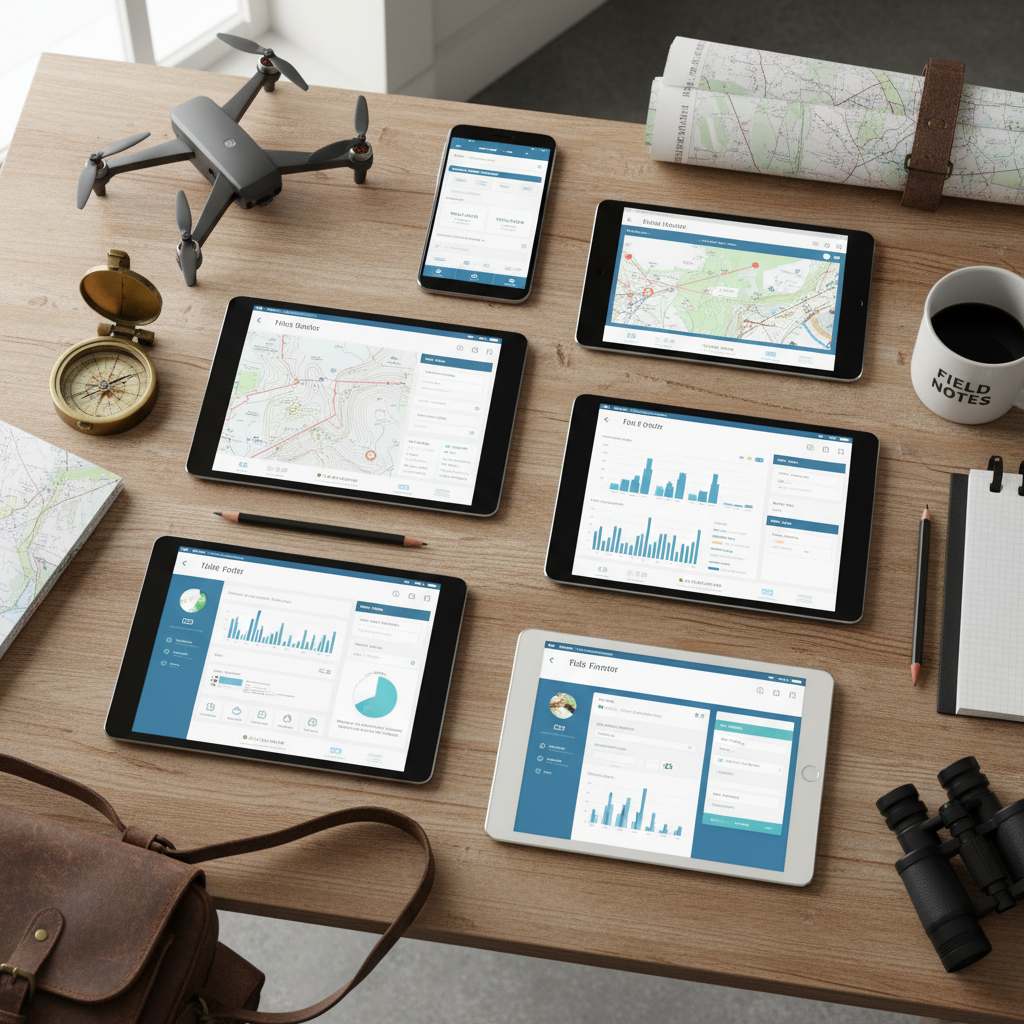
How to Choose Field Data Collection Software for Your Firm
A practical guide to choosing field data collection software. Compare features, pricing models, and deployment options to find the right platform for your team.

Wildlife Survey Data Collection: From Notebooks to Digital
Modernize your wildlife survey data collection. Learn how digital forms improve species inventories, habitat assessments, and transect surveys — with better data quality and less office time.
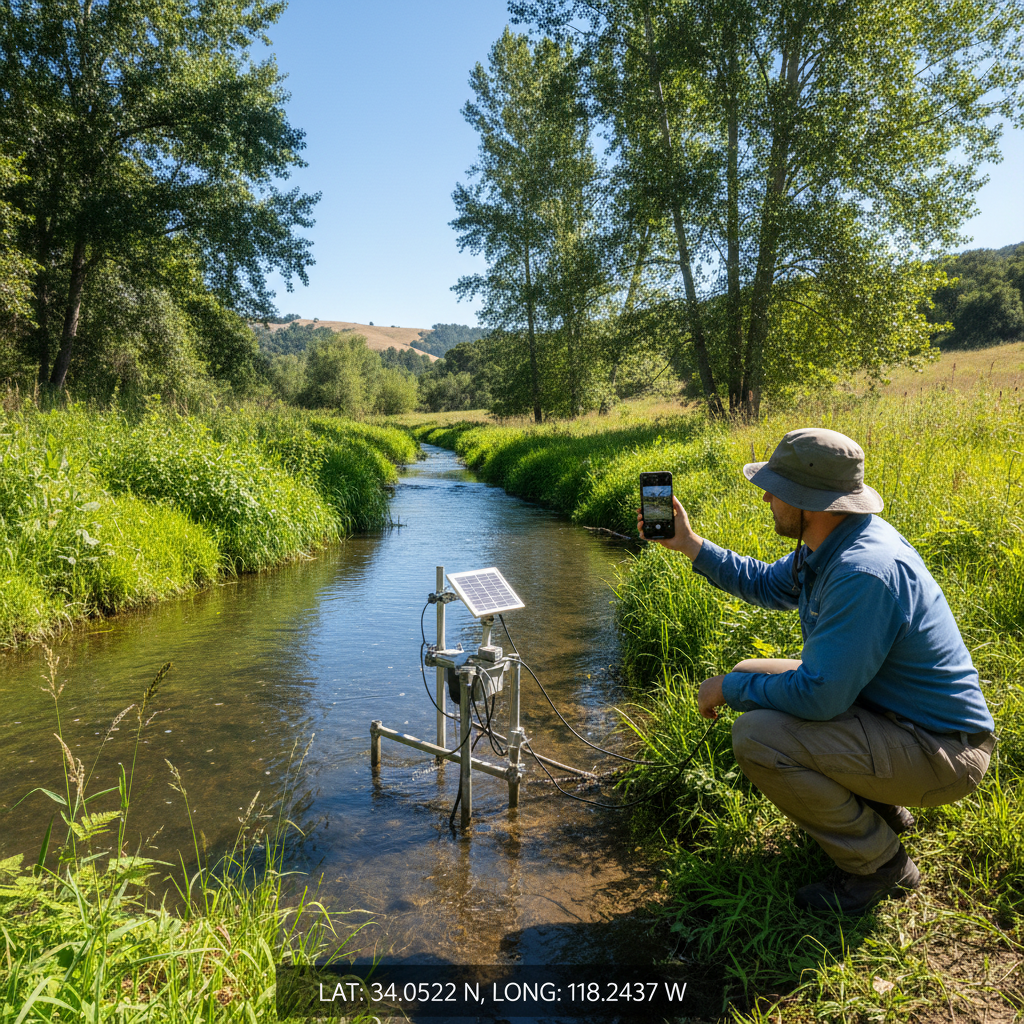
GPS-Tagged Photos for Environmental Fieldwork
Learn how GPS-tagged photos improve environmental field documentation. Covers geotagging setup, metadata management, and integration with field data collection workflows.
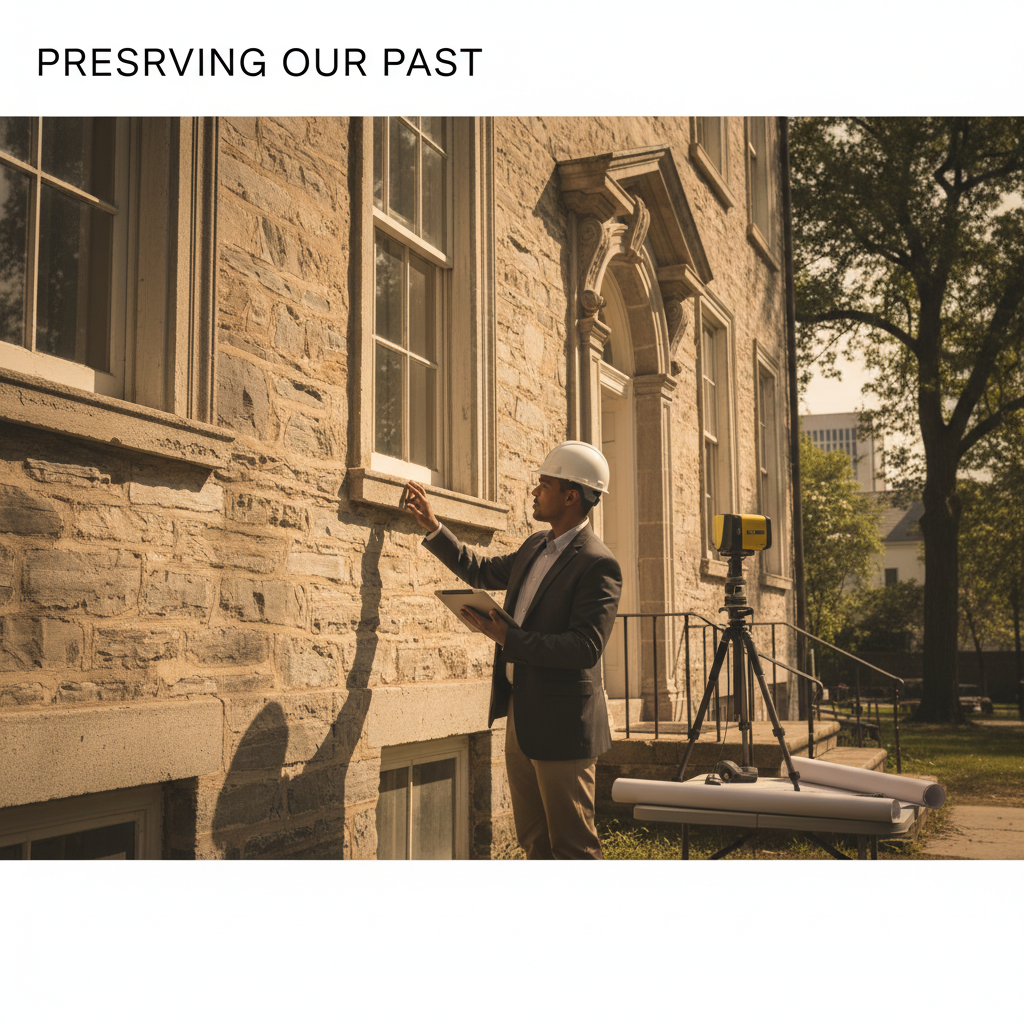
Section 106 Compliance: A Field Guide for CRM Managers
A practical field guide to Section 106 compliance for CRM managers. Covers documentation requirements, field recording best practices, SHPO coordination, and common pitfalls.
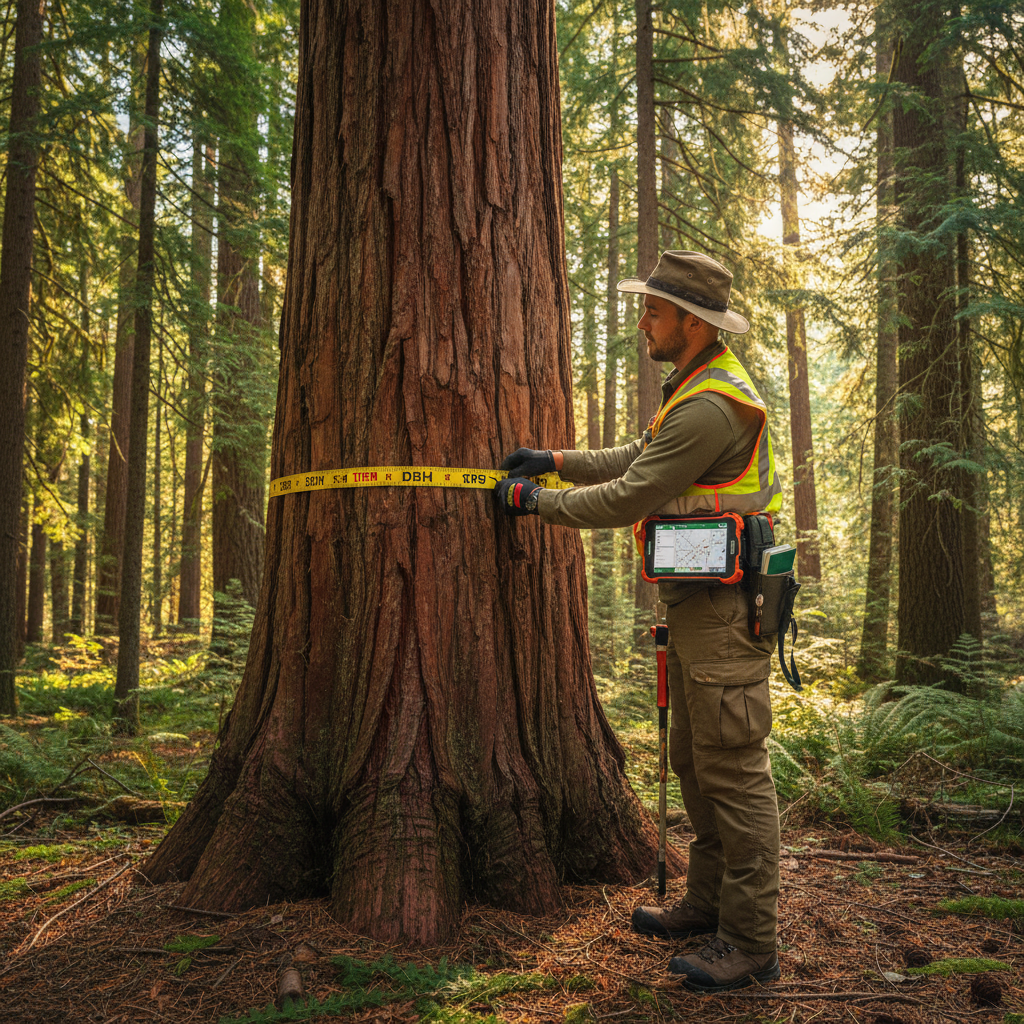
Digital Timber Cruising: Why Foresters Are Ditching Paper
Paper tally sheets are holding your timber cruise back. Learn why foresters are switching to digital timber cruising apps for faster data collection, fewer errors, and instant volume calculations.

Phase I Environmental Site Assessment Field Checklist
A practical Phase I ESA field checklist for environmental consultants. Covers site reconnaissance, photo documentation, interviews, and the observations that matter for ASTM E1527-21.
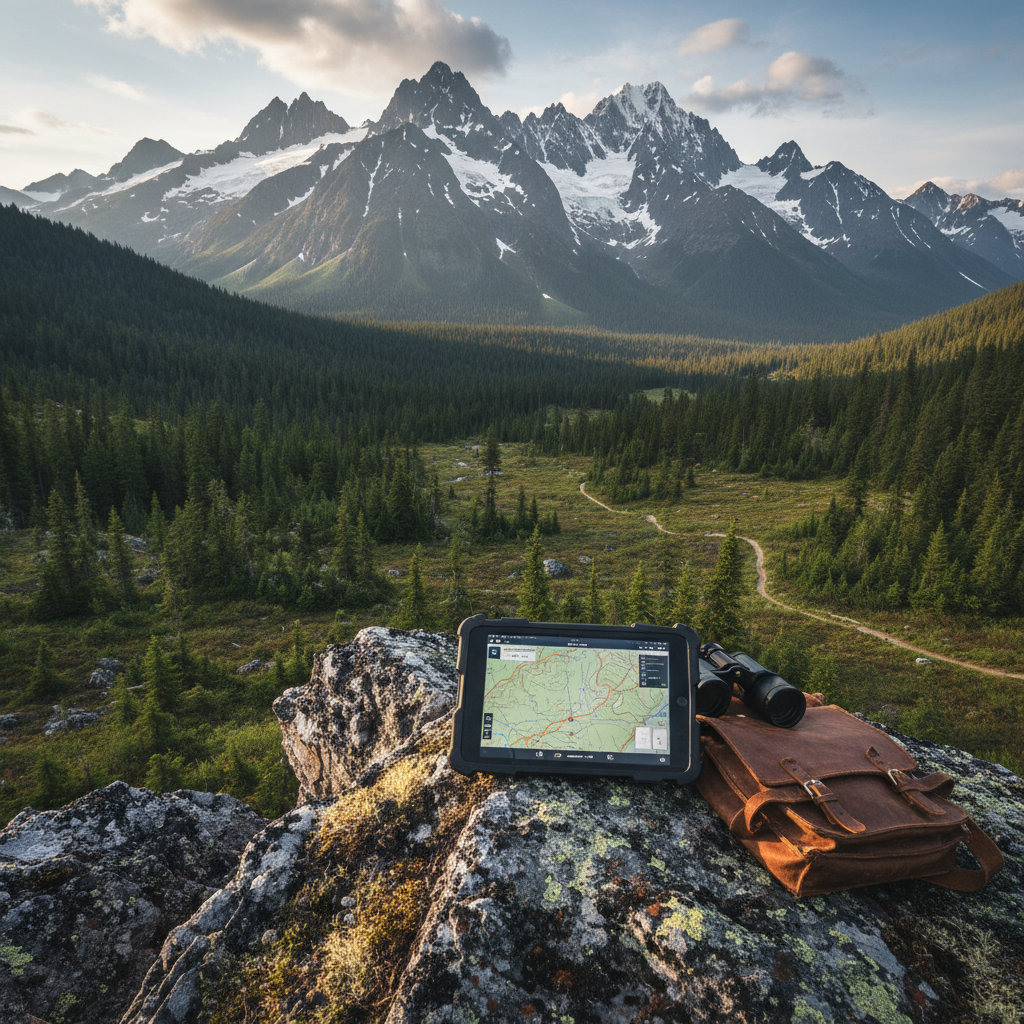
Offline Data Collection Apps: What to Look For in 2026
Evaluating offline data collection apps? This guide covers the must-have features for field teams working without internet — sync, GPS, photos, and data integrity.
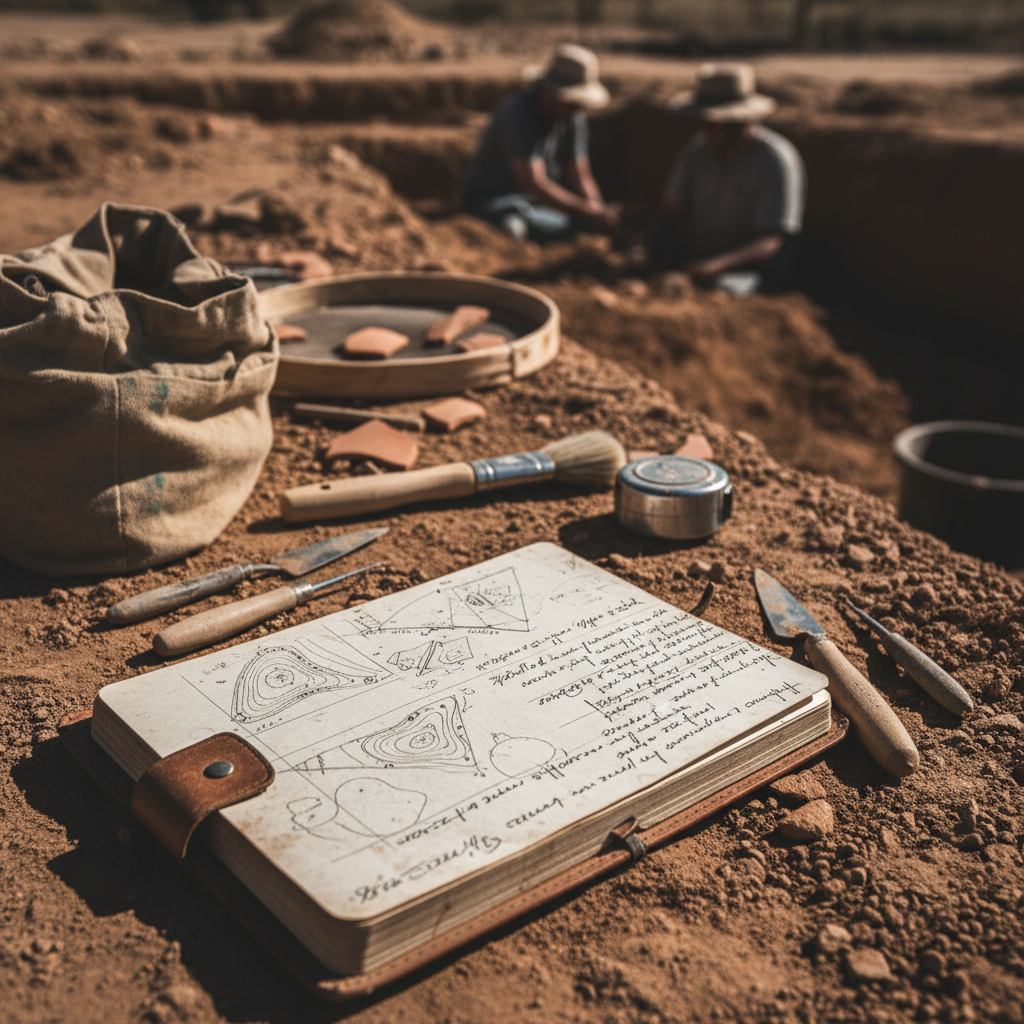
5 Common Mistakes in Archaeological Field Recording
Avoid these 5 costly mistakes in archaeological field recording. From inconsistent GPS data to poor photo documentation, learn how to improve your field data quality.
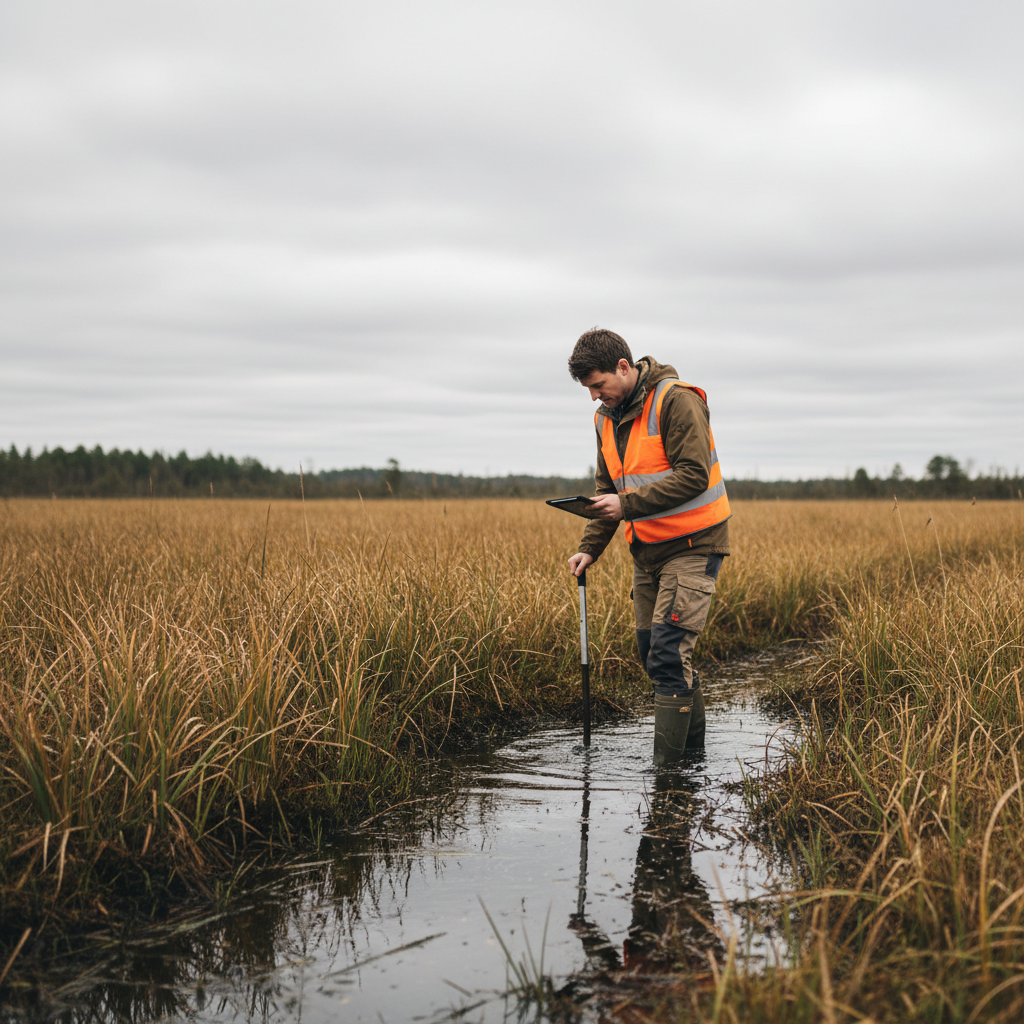
Wetland Delineation Data Collection: Paper vs Digital
Compare paper and digital approaches to wetland delineation data collection. Learn how digital tools improve data point documentation, soil boring logs, and vegetation plot recording.
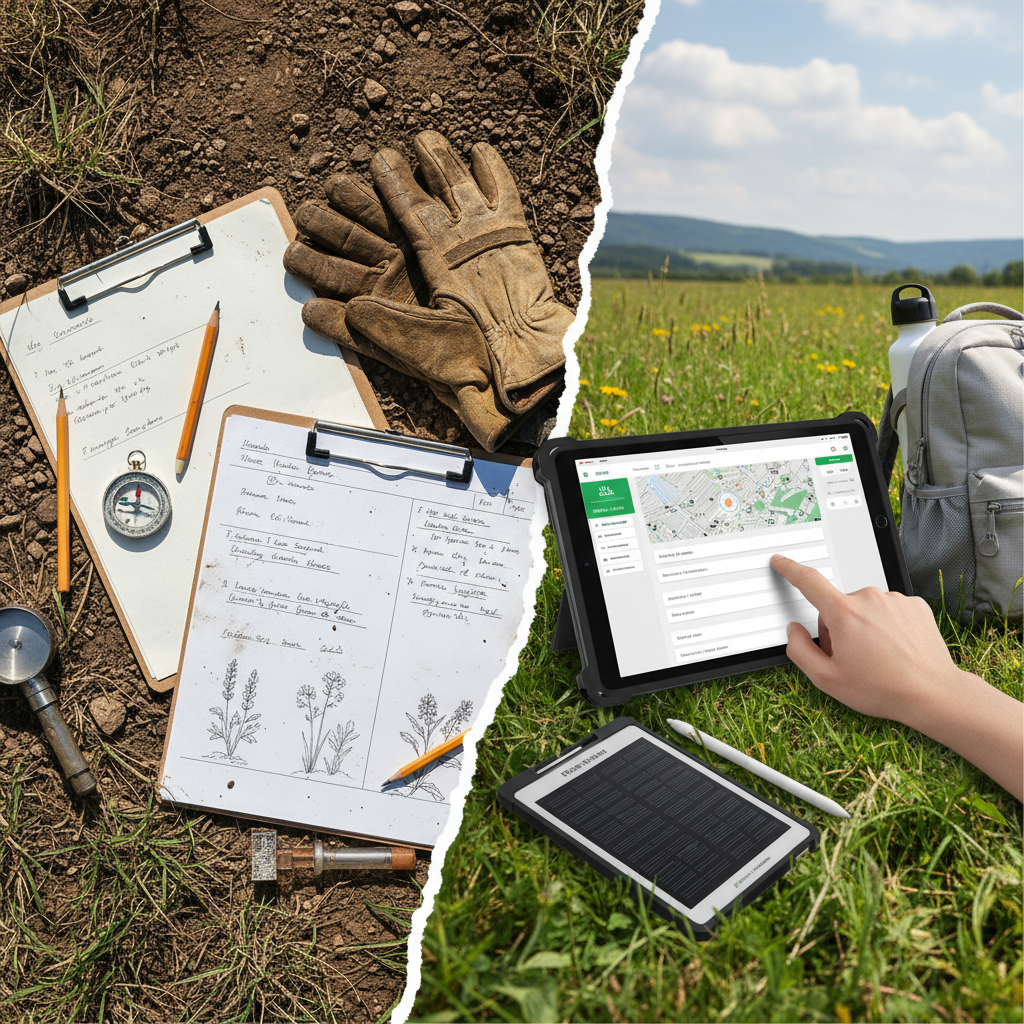
The True Cost of Paper-Based Field Data Collection
Paper field data collection costs more than you think. This analysis breaks down the hidden costs of paper forms — transcription time, data errors, lost records — and the ROI of going digital.

How to Digitize SHPO Site Forms: A Step-by-Step Guide
Learn how to replace paper SHPO site forms with digital workflows. This step-by-step guide covers form setup, GPS tagging, photo documentation, and export formats that meet state requirements.