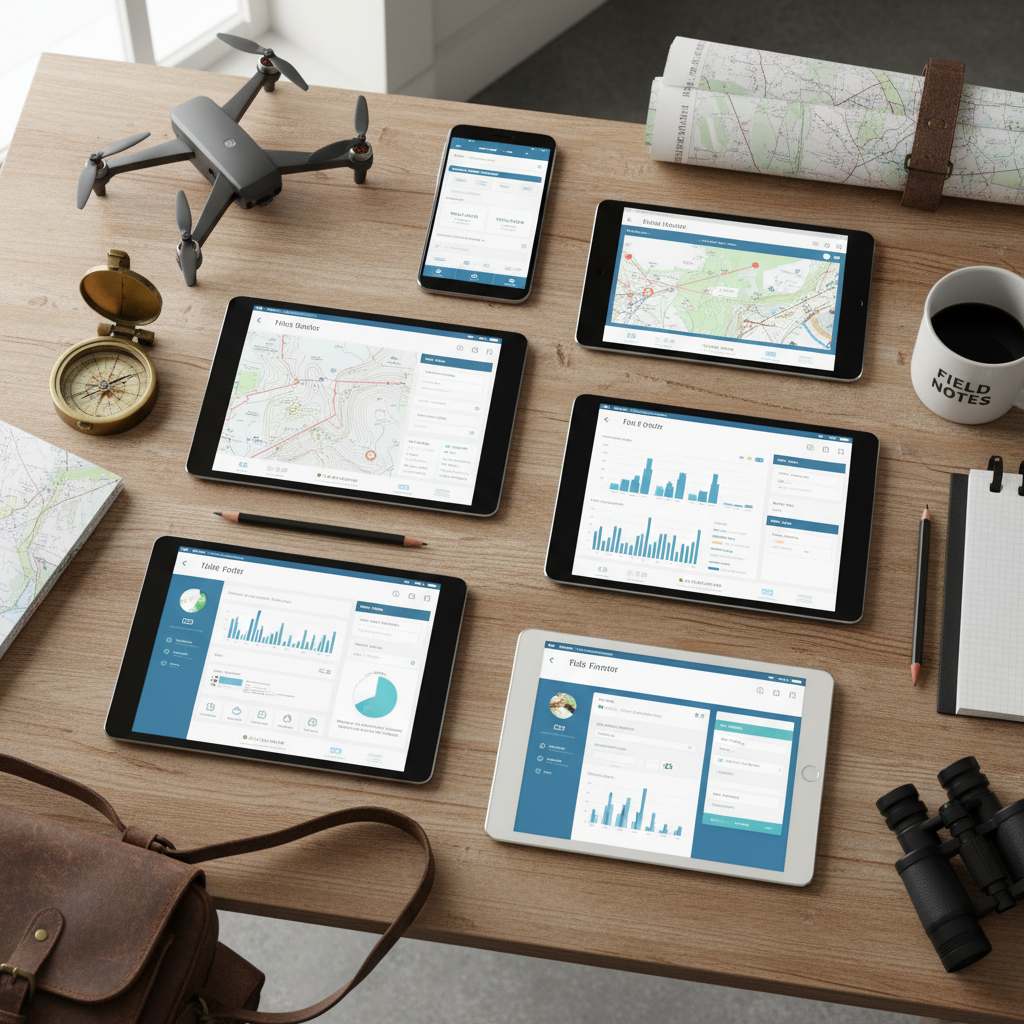
Choosing field data collection software is a decision that affects every project your firm touches. The wrong choice means workarounds, frustration, and eventually another migration. The right choice becomes invisible infrastructure that makes every project more efficient.
This guide covers what to evaluate, what to ignore, and how to make a decision you won't regret.
Start with Your Actual Workflow
Before comparing features, document how your team actually works:
- What forms do you use in the field?
- How do field crews submit data?
- Who reviews the data and when?
- What formats do clients and regulators require?
- Where does field data go after the project?
The best software fits your existing workflow with minimal change. The worst software forces you to redesign your operations around its limitations.
The Features That Actually Matter
1. Offline Capability
If your team works in locations without reliable connectivity, this is non-negotiable. Test offline capability yourself — put the device in airplane mode and try every workflow. Some apps claim offline support but degrade significantly without a connection.
2. Form Builder Flexibility
You need forms that match your work, not your work adapted to fit the forms. Key form builder features:
- Conditional logic — show or hide fields based on previous answers
- Repeatable sections — multiple specimens, multiple soil layers, multiple photos per record
- Calculated fields — auto-compute values from entered data
- Required fields and validation — prevent incomplete records
- Pre-built templates — for common industry forms (saves setup time)
3. GPS and Photo Integration
GPS coordinates and photos should be captured within the form record — not in separate apps that need manual reconciliation. Look for:
- Automatic GPS capture for every record
- Photos embedded in records with GPS metadata
- Support for multiple photos per record
- No photo quality degradation
4. Data Export Options
Your field data needs to go somewhere. Check that the platform exports to:
- CSV/Excel — for spreadsheet analysis
- PDF — for client reports
- Shapefile/GeoJSON/KML — for GIS mapping
- API access — for custom integrations
If the platform only exports to its own proprietary format, you're locked in.
5. Team Management
If more than one person uses the system:
- Can you control who sees what data?
- Can multiple users work offline simultaneously?
- Is there an audit trail for data changes?
- Can project managers review data in real time?
Features That Sound Important But Aren't
AI Everything
AI-powered field data collection is a hot marketing term. In practice, most AI features in field data apps are nice-to-haves, not necessities. Auto-generated photo descriptions are useful. AI that tries to predict your data entry is usually wrong enough to be annoying.
Evaluate AI features based on whether they save time in your specific workflow, not on how impressive they sound in a demo.
Massive Integration Catalogs
"Integrates with 500+ tools" usually means Zapier or a generic webhook. The integrations that matter are the ones you'll actually use: your GIS platform, your project management tool, your reporting workflow.
Collaboration and Chat
Some platforms bundle collaboration features like commenting, tagging, and real-time chat. These overlap with tools your team already uses (Slack, Teams, email). Pay for field data collection, not for a second communication platform.
Pricing Models to Understand
Per-User Monthly
Most common. Predictable costs. Watch for:
- Minimum seat counts (enterprise platforms often start at 10-25 users)
- Feature tiers that lock important capabilities behind expensive plans
- Overage charges for storage, API calls, or form submissions
Per-Submission
Less common but potentially expensive at scale. If you collect thousands of records per month, per-submission pricing adds up fast.
Annual Contracts
Many platforms offer discounts for annual commitments. This is fine if you've tested the platform thoroughly. Don't sign an annual contract based on a demo.
Enterprise "Contact Us" Pricing
If the pricing page says "Contact Sales," you're looking at $10,000+ per year and a multi-week sales process. This can be appropriate for large organizations. For firms under 50 people, there are better options.
The Evaluation Process
Step 1: Shortlist (1 hour)
Based on your workflow requirements, identify 3-4 platforms to evaluate. Eliminate any that clearly don't meet a must-have requirement (e.g., no offline capability).
Step 2: Hands-On Testing (1 week each)
Use each platform's free trial on a real project — not a toy example. Evaluate:
- How long does it take to build your most complex form?
- Does offline mode actually work?
- Can you export data in the format your clients need?
- Is the interface fast enough for real-time field work?
Step 3: Team Feedback (3 days)
Have 2-3 field crew members test the platform independently. Their feedback matters more than the manager's — they're the ones using it 8 hours a day.
Step 4: Total Cost Analysis (1 hour)
Calculate the actual annual cost including:
- Per-user fees for your current team
- Growth projections (what happens when you hire 2 more people?)
- Storage or usage fees
- Integration or add-on costs
Step 5: Decision
Pick the platform that your field crew preferred AND that meets your export/reporting requirements. Feature lists are secondary to daily usability.
Our Perspective
FieldTap is built for field data collection in environmental consulting, archaeology, wildlife biology, and forestry. Professional plans start at $37/user/month with no annual contracts and no enterprise sales process. 14-day free trial.
We built FieldTap because we saw firms paying enterprise prices for capabilities they didn't need while lacking features specific to their industry. Purpose-built beats general-purpose.
Start a free trial and test it on your next project. No credit card required.