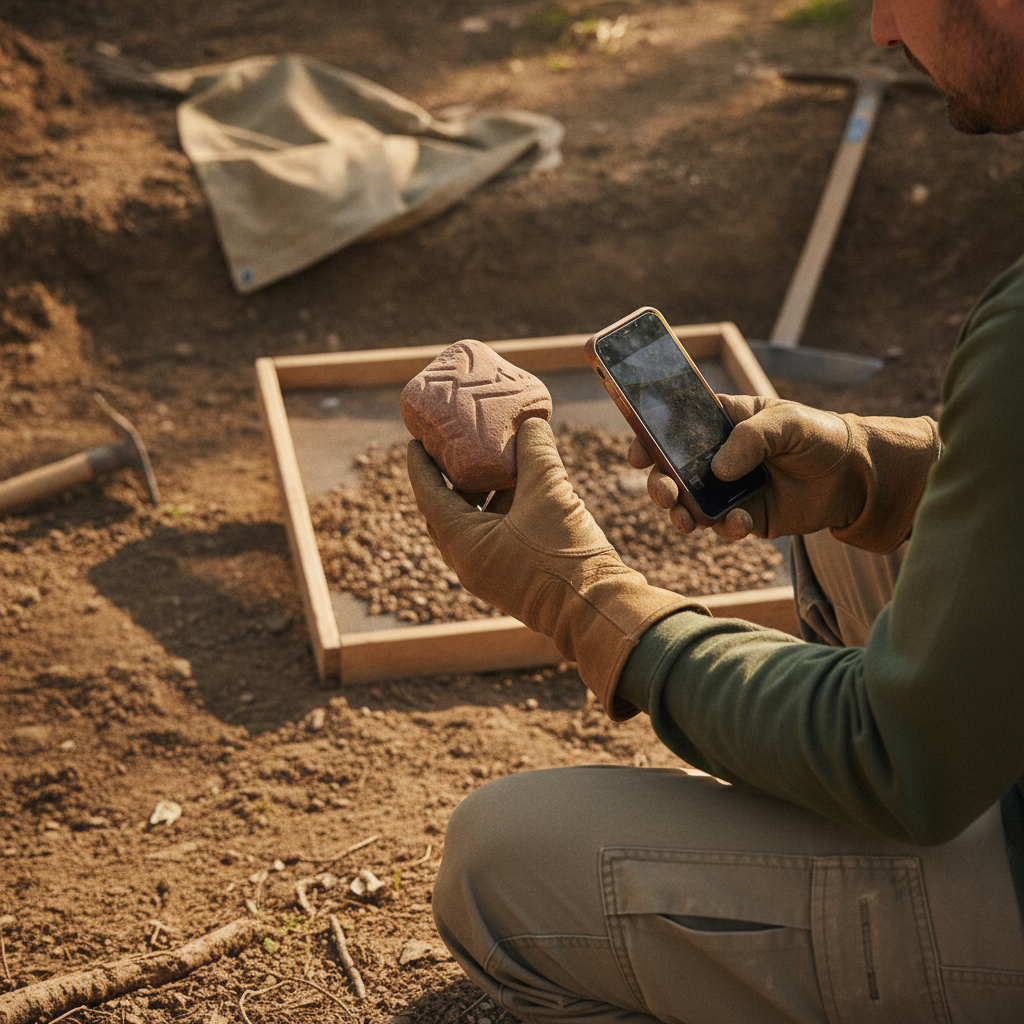
The slowest part of field data collection isn't walking the transect — it's standing at the point, thumbing values into two dozen form fields while daylight burns. AI FastFill, rolling out now to all Business plan users, attacks that bottleneck from two directions: your camera and your voice.
FastFill From Photos
Take a photo of what you're recording — an artifact, a soil profile, a monitoring well, a culvert — and FastFill analyzes it and proposes values for the matching form fields.
Point it at a projectile point and it suggests artifact type, material, and condition. Point it at a wetland plot and it drafts the vegetation description. Point it at a soil profile and it estimates Munsell color and texture class for each visible horizon.
Every suggestion appears as a highlighted proposal, not a committed value. You review, tap to accept, or edit. Nothing enters your record without a human decision — this matters when the record is a legal compliance document.
FastFill From Voice
Describe the site out loud the way you'd brief a colleague:
"Shovel test 47, positive, two flakes and a fire-cracked rock at 30 to 40 centimeters, 10YR 4/3 sandy loam, water table at 60."
FastFill parses the description and distributes it into the right fields — test number, result, artifact count and description, depth ranges, soil color, texture. What used to be ninety seconds of tapping becomes one sentence.
Voice FastFill runs on top of the same transcription engine as our hands-free dictation, so it works with gloves on, in wind, and in light rain — the conditions where typing is worst.
What It Gets Right (And What It Doesn't)
We've been testing FastFill with real crews since March. Honest results:
- Structured attributes (colors, dimensions, counts, material classes) — very good. This is where most of the time savings live.
- Species-level identifications — good for common taxa, and it tells you its confidence. Treat it like a sharp field tech's first guess, not a determination.
- Free-text narratives — solid first drafts that experienced staff edit rather than rewrite.
- Anything safety- or compliance-critical — FastFill proposes, you decide. Always.
Suggestions are logged in the record's audit trail as AI-proposed and user-accepted, so reviewers can always distinguish machine drafts from human observations.
Why This Isn't a Gimmick
Plenty of apps have bolted a chatbot onto their marketing page this year. FastFill is different in a specific way: it's wired into the form schema. It knows your "Soil Color" field wants a Munsell value and your "Age" field is a dropdown with three options, so it proposes valid values for your form — not a paragraph of AI prose you have to re-type anyway.
That's only possible because FieldTap owns the whole stack: the form builder, the record store, and the AI layer speak the same schema.
Try It On Your Own Forms
AI FastFill (photo and voice) is included in the Business plan alongside AI photo analysis and smart annotations. Existing Business users: update the app and look for the sparkle icon on any photo or the microphone on any form. Everyone else: start a free 14-day trial — bring a photo of the messiest artifact tray on your desk.