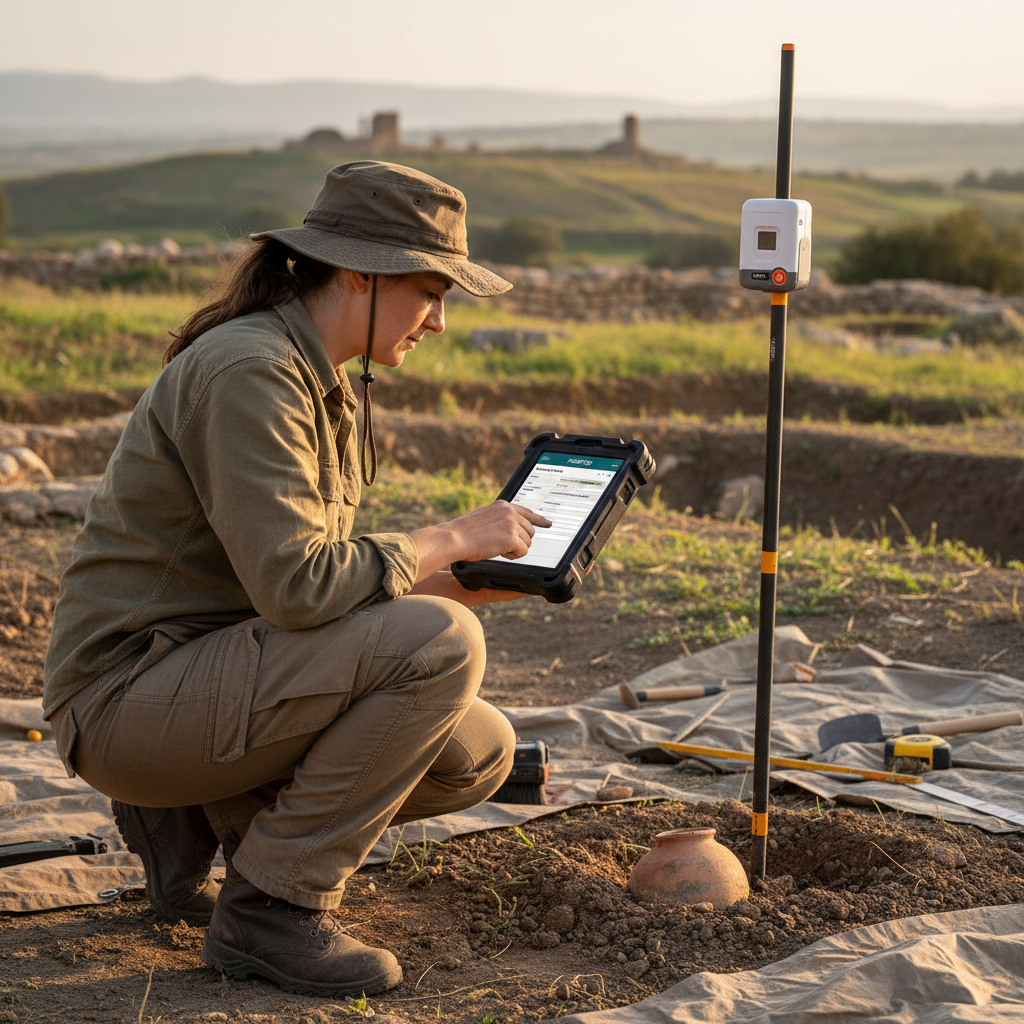
Buying digital field recording software for a CRM firm is one of those decisions that's easy to get wrong because every vendor demo looks fine. The differences that actually matter — what happens when the official state PDF gets revised, what happens when your crew is offline for a week, what happens when a SHPO reviewer asks for a re-export in a slightly different format — never come up in a 30-minute pitch.
This guide is a checklist of the questions to ask, the demos to insist on, and the deal-breakers to watch for.
1. Section 106 / SHPO awareness
Generic data-collection platforms (Fulcrum, Survey123, KoBoToolbox) are powerful but agnostic about your workflow. Purpose-built tools (FieldTap, Wildnote) understand sites, components, isolates, NRHP evaluations, and SHPO-format deliverables out of the box.
Test: Ask the vendor to record a multi-component site in a 5-minute live demo, then export an official DPR 523 or IMACS PDF from that record. If they can't do this end-to-end, you're going to be doing the workflow modeling yourself.
2. Report Builder — the question that separates serious tools from toy ones
The single most important capability for a 2026 CRM firm is the ability to import your state's official PDF site form, map fields once, and auto-export submit-ready records forever. This is what FieldTap calls Report Builder. To our knowledge, no other tool on the market offers it as a self-service feature.
Test: Hand the vendor a copy of your state's current SHPO PDF and ask them to digitize it during the call. If the answer is "we'll have professional services build that for you," you're buying an expensive recurring engagement, not a tool.
3. Offline behavior
Every vendor claims offline support. The differences are in the details.
Test: Ask:
- Can a crew member create a new project offline? (Some tools require a project to exist online first.)
- Can they take GPS-tagged photos offline?
- Can they fill out a form offline?
- Can they sync from multiple devices into the same project after a week offline without conflicts?
- What happens when two crew members edit the same record offline?
Run a real offline test before purchase. Demo environments lie.
4. GPS / GNSS handling
For CRM work, GPS accuracy and provenance matter.
Test: Confirm:
- Does it support external Bluetooth GNSS receivers (Bad Elf, Eos, Trimble Catalyst)?
- Does it record HDOP, fix type (autonomous, DGPS, RTK), and number of satellites with each point?
- Can it average a point over N seconds for higher-confidence readings?
- Can it export shapefile/GeoJSON with full GPS metadata, not just lat/lon?
Tools that strip GNSS metadata on export will fail your QA pass and your client's GIS team's QA pass.
5. Photo workflow
This is where most CRM firms lose hours per project.
Test: Confirm:
- Are photos tied to records at capture time, not in post?
- Do photos automatically capture GPS, direction (compass), date, and recorder?
- Can crews caption photos in the field?
- Do photos export with the parent record, named in a way SHPO reviewers can parse?
A photo log that has to be rebuilt manually after fieldwork is a tax on every project.
6. Review workflows
For firms larger than 3–4 people, review and approval workflows are essential.
Test: Confirm:
- Can a PI review and approve crew submissions from the office?
- Can records be flagged for revision and routed back to the recorder?
- Is there an audit trail showing who recorded, who reviewed, who approved?
- Can review status be filtered (e.g., "show me all sites still pending review")?
Tools without this become bottlenecks the moment you scale past one project at a time.
7. Export flexibility
You don't get to dictate what your client's GIS team or your reviewing SHPO will ask for. The tool has to bend.
Test: Confirm exports for:
- State SHPO PDFs (DPR 523, IMACS, etc.) in official format
- CSV (every field, every record)
- Shapefile and GeoJSON with full attributes
- KML for client review
- Flat-file photo bundles with metadata
If exports are limited to the vendor's preferred format, you'll be reformatting in Excel forever.
8. Independence and roadmap risk
The Wildnote / Fulcrum acquisition (February 2026) is a recent reminder that vendor independence matters. Acquired niche tools tend to lose roadmap focus and increase pricing.
Test: Ask:
- Who owns the company?
- What's the funding model? (Self-funded vs PE-backed vs strategic acquirer's portfolio)
- What's the public roadmap for the next 6 months?
- What's the migration path out of this tool? (A vendor that won't tell you is a red flag.)
9. Pricing structure
The most expensive software is the kind that surprises you with billing.
Test: Confirm:
- Per-user, per-record, per-form, or per-storage?
- What happens when you exceed a record limit mid-season?
- Is API access included or extra?
- Are SHPO state-form templates included or extra?
- What's the renewal price after year 1?
Per-record limits are the most common gotcha in this category.
10. Migration in
If you're moving from another tool, free, supported migration matters.
Test: Ask the vendor to walk through importing one of your existing project exports during the demo. If they can't do this in a few minutes, plan for a manual rebuild.
Quick-fire checklist
Before signing anything:
- Live demo of full site recording → SHPO-format export
- Report Builder (or equivalent) demo with your actual state PDF
- Offline test on real hardware for 1+ days
- External GNSS pairing test
- Multi-user review workflow demo
- Export sample for your client's GIS team to review
- Migration test with one of your existing project exports
- Reference call with at least one CRM firm of similar size
- Written confirmation of pricing model and renewal price
Related guides and reading
- Best Section 106 Software for CRM Firms (2026) — head-to-head feature comparison
- Section 106 Reporting Requirements: A PM's Checklist
- Phase I Archaeological Survey Workflow Checklist
- Compare the major tools: vs Wildnote · vs Fulcrum · vs Survey123
If you'd like to run this checklist against FieldTap, start a 14-day free trial — no credit card, full functionality, free import from your existing tool.
Ready to put this into practice?
Start a 14-day free trial — no credit card required.
Start free trial